Features
Everything you need to keep going.
Quick logging is the start. Goals, trends, fasting, a coach and short reads make it a routine you can keep.
Quick logging
Four ways to log a meal.
All of them end in the same review screen, so you always see what is being saved.
- Photo: the AI lists foods and estimates portions.
- Voice and text: speak or type a sentence; several foods at once.
- Barcode: look up packaged food in USDA FoodData Central and Open Food Facts.
- Search: more than 15,000 foods, on-device first.
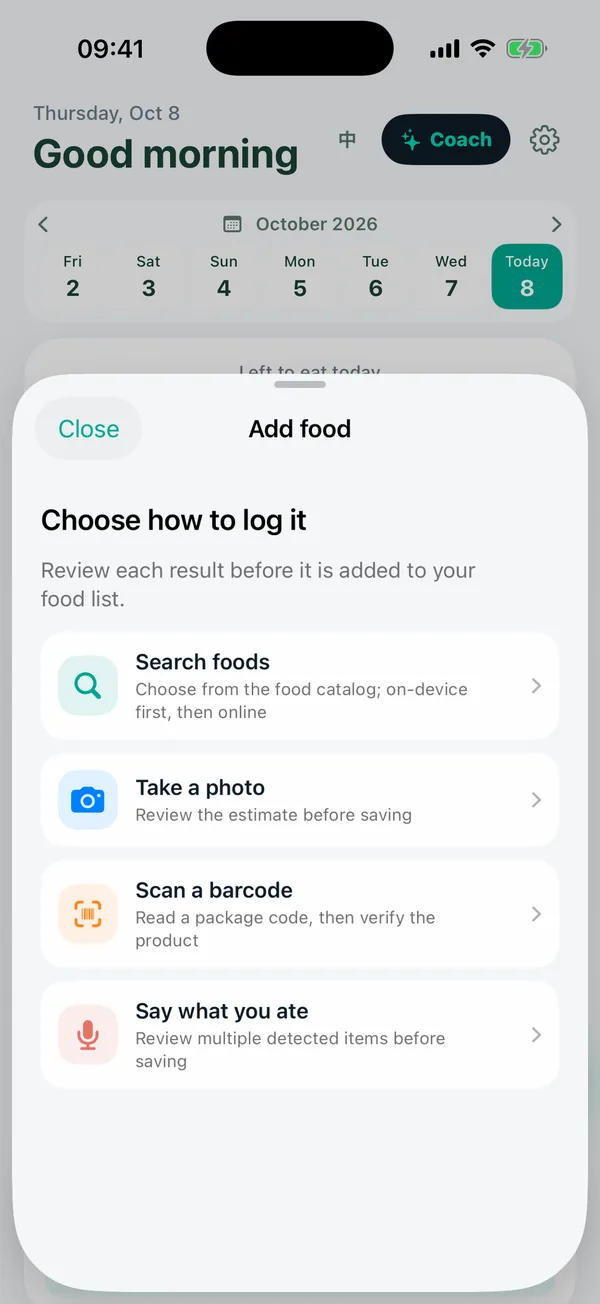
Voice and text
Say it like you would to a friend.
Type or dictate a sentence such as "grilled chicken, brown rice and broccoli". The app finds each food and an amount for you to confirm.
- Dictation uses your phone’s own speech recognition; only the text is sent.
- Foods that are not in the database are flagged, never given a made-up number.
- The AI is optional: on-device matching works without it.
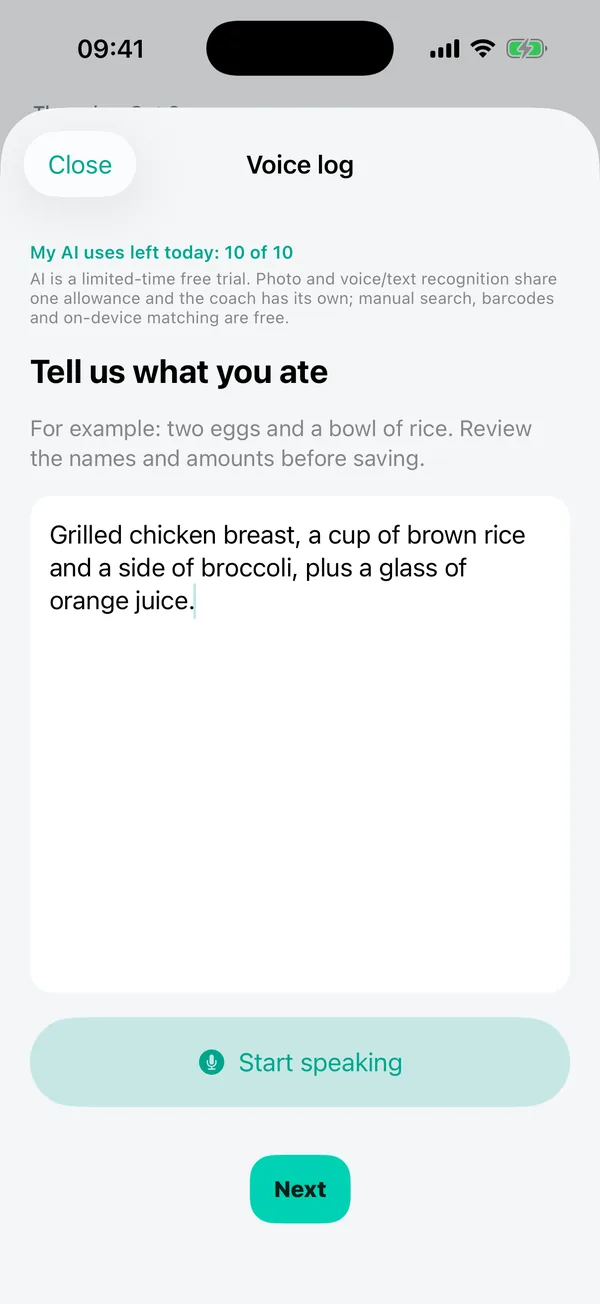
Review
Check, change, confirm.
Each detected item shows its calories and amount. Adjust the amount, swap the food or remove it. Removed items can be restored with Undo.
- Calories are looked up from the database for the exact food you pick.
- Items without a match must be replaced or removed before saving.
- Meals are titled by the dish, so your history stays readable.
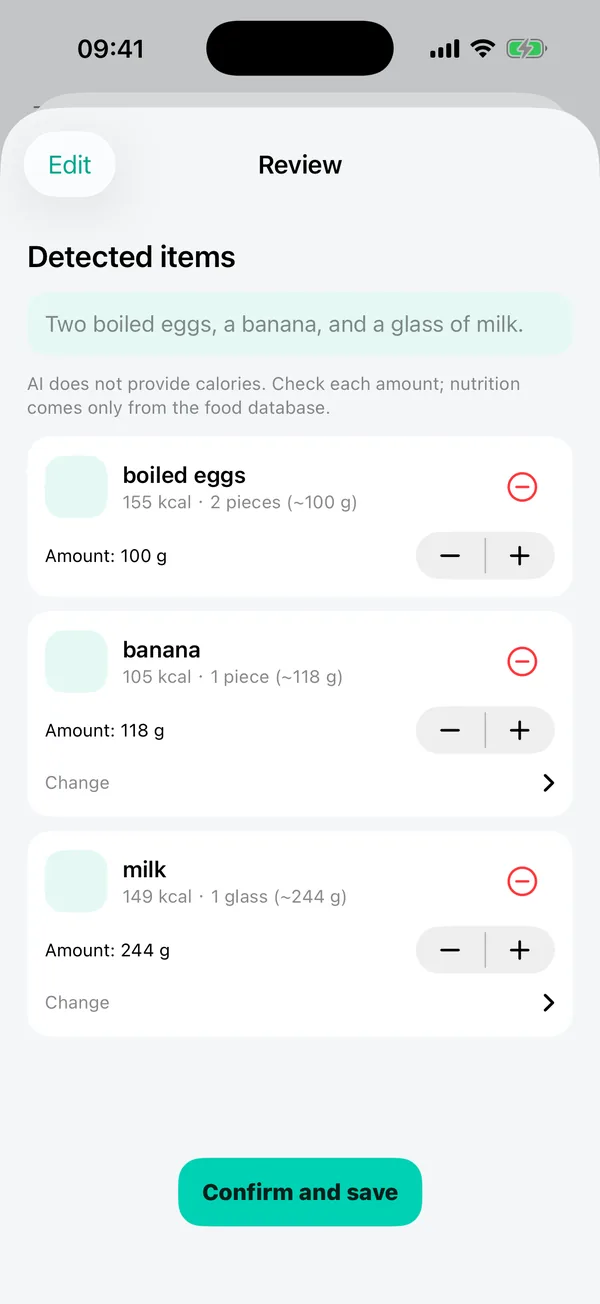
Today
Your day in three rings.
Eaten, active and water progress sit together, with the weight trend and quick log buttons right below.
- Your daily intake goal is worked out from your profile and adjusts as your weight and activity change.
- You can see how the goal is calculated.
- Quick buttons for food, activity and weight.
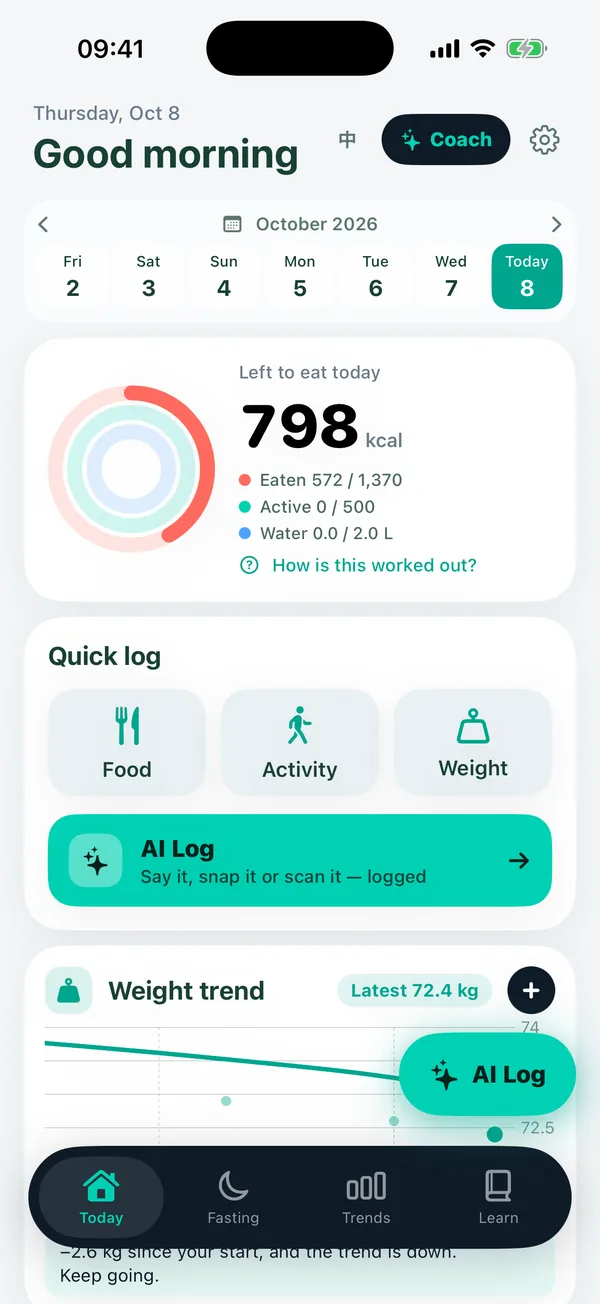
Goals and trends
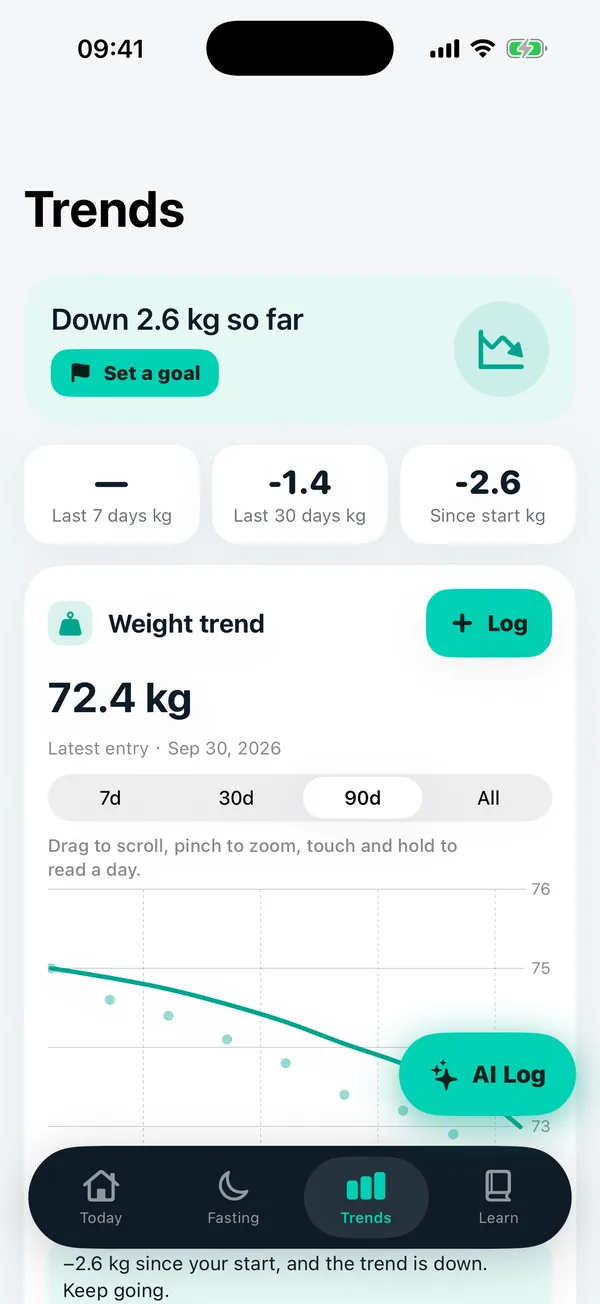
Look at weeks, not single days.
A single weigh-in can swing for many reasons. Trends smooth it out so you can see direction.
- 7, 30, 90 day and all-time views.
- Change since your start, last 30 days and last 7 days.
- A gentle pace: no extreme targets are suggested, and no weight-loss plan is made for under 18s.
Fasting
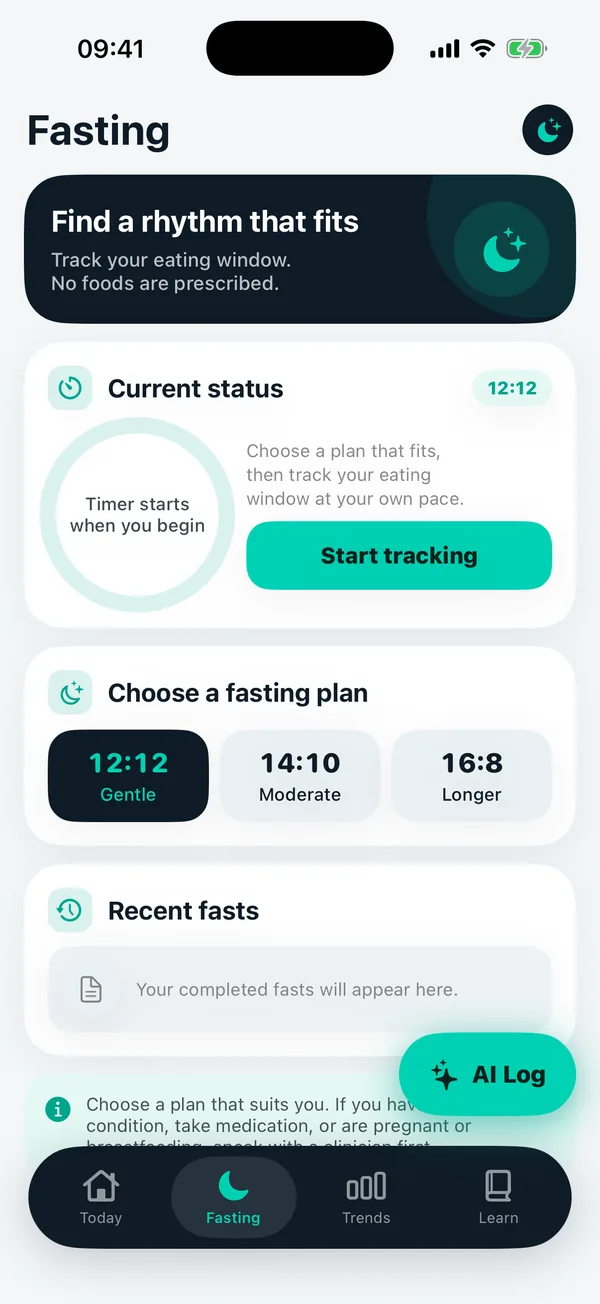
A timer, not a rulebook.
Choose 12:12, 14:10 or 16:8 and track your window. The app prescribes no foods and asks you to read a safety note before your first fast.
- Not for minors, pregnancy or breastfeeding, underweight, eating-disorder history, or if you take glucose-lowering medication without a clinician’s advice.
- Stop if you feel weak, dizzy or unwell.
AI coach
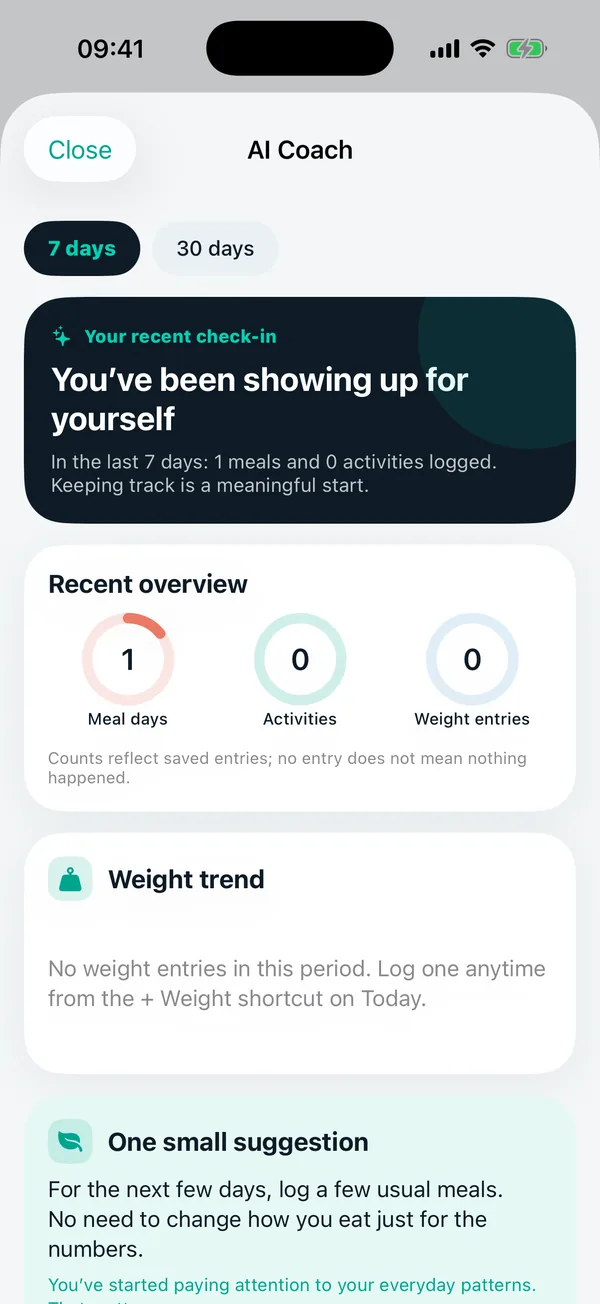
Ask about your own week.
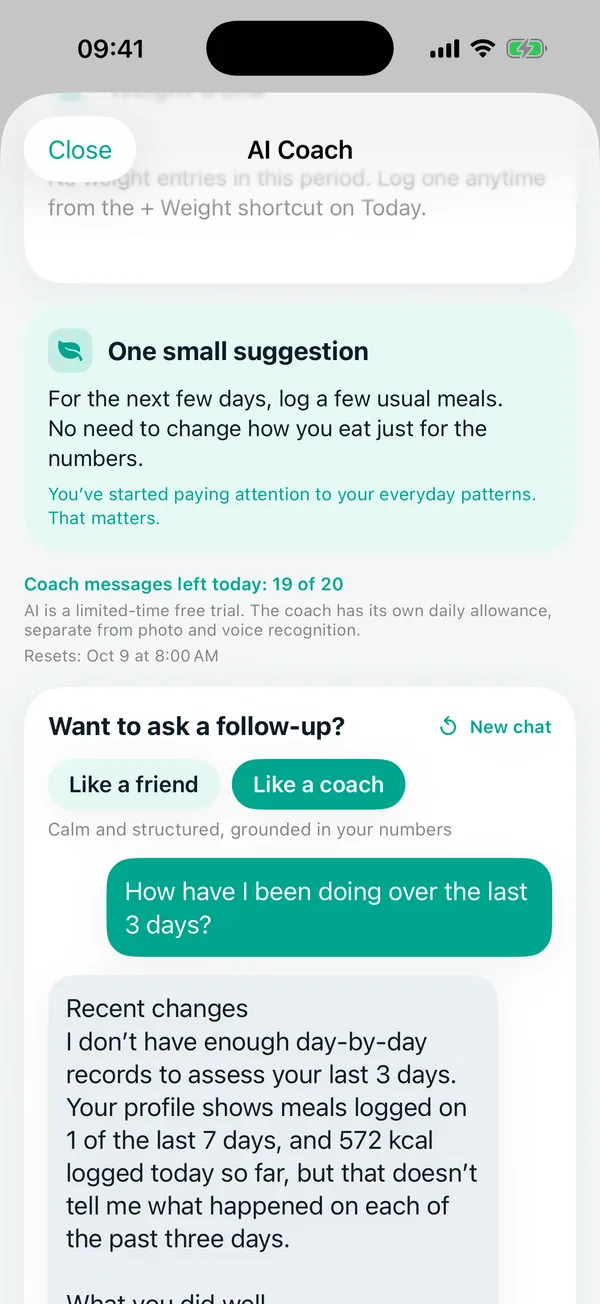
The coach reads a summary of your records, so answers refer to your real numbers. If there is not enough data, it tells you what to log.
- Pick a friend or coach tone.
- Weekly check-in plus follow-up questions.
- Replies are plain text, with what went well and a next step.
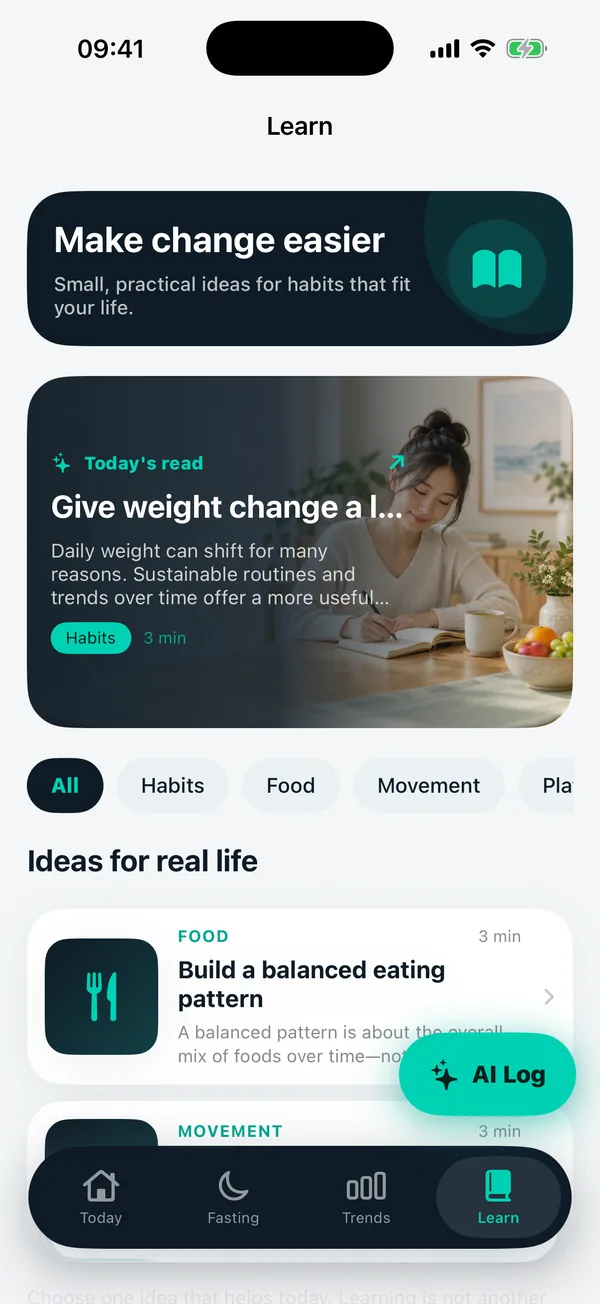
Learn
Practical reads.
Short articles on habits, food and movement, with sources listed.
- Browse by topic.
- Also available on this site in the Journal.
Getting started
A few short steps to set up.
A friendly start, your daily goal with the math shown, and a quick tour of the three ways to log.
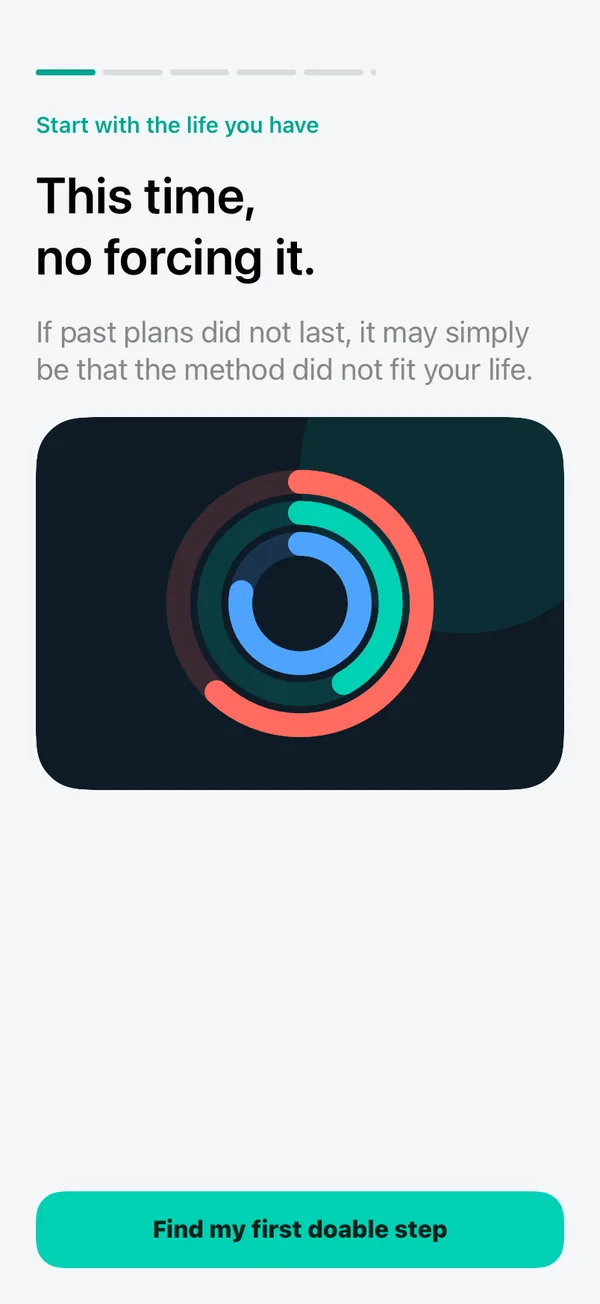
A gentle start: no forcing it.
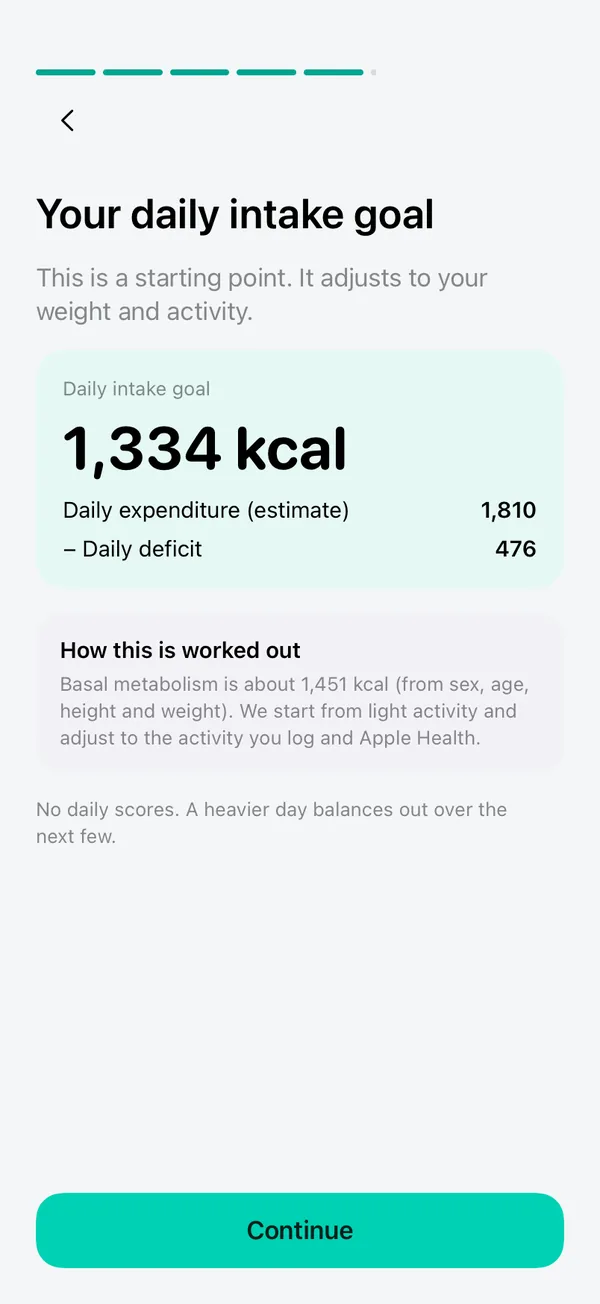
Your goal, with the math shown.
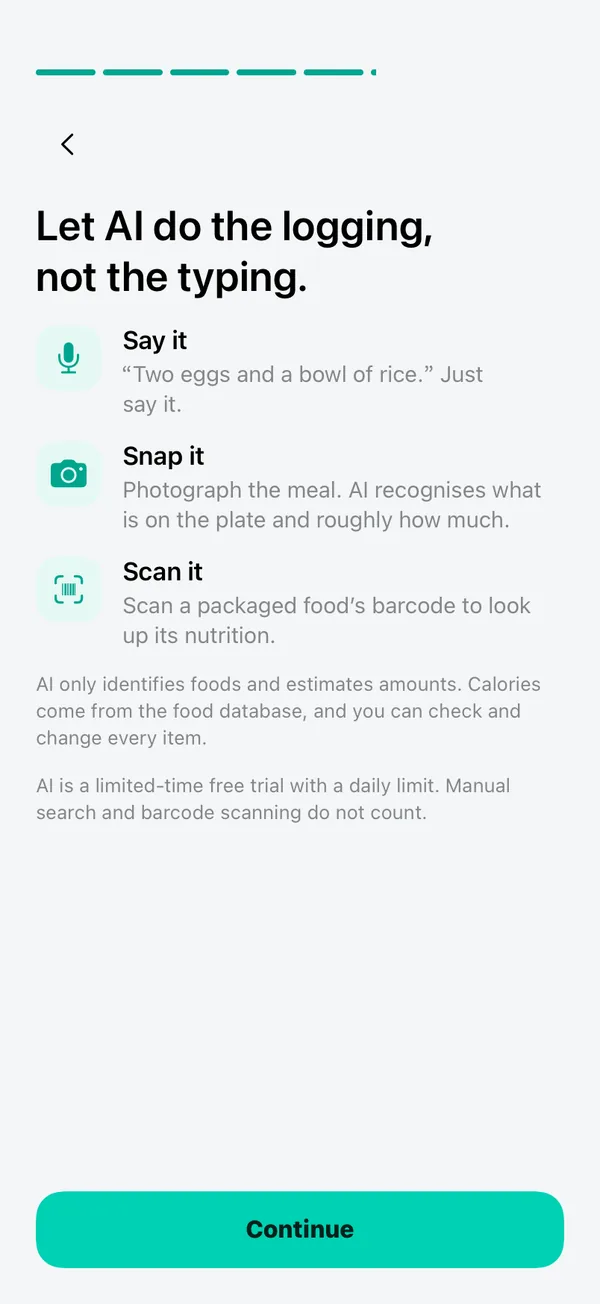
Three quick ways to log.
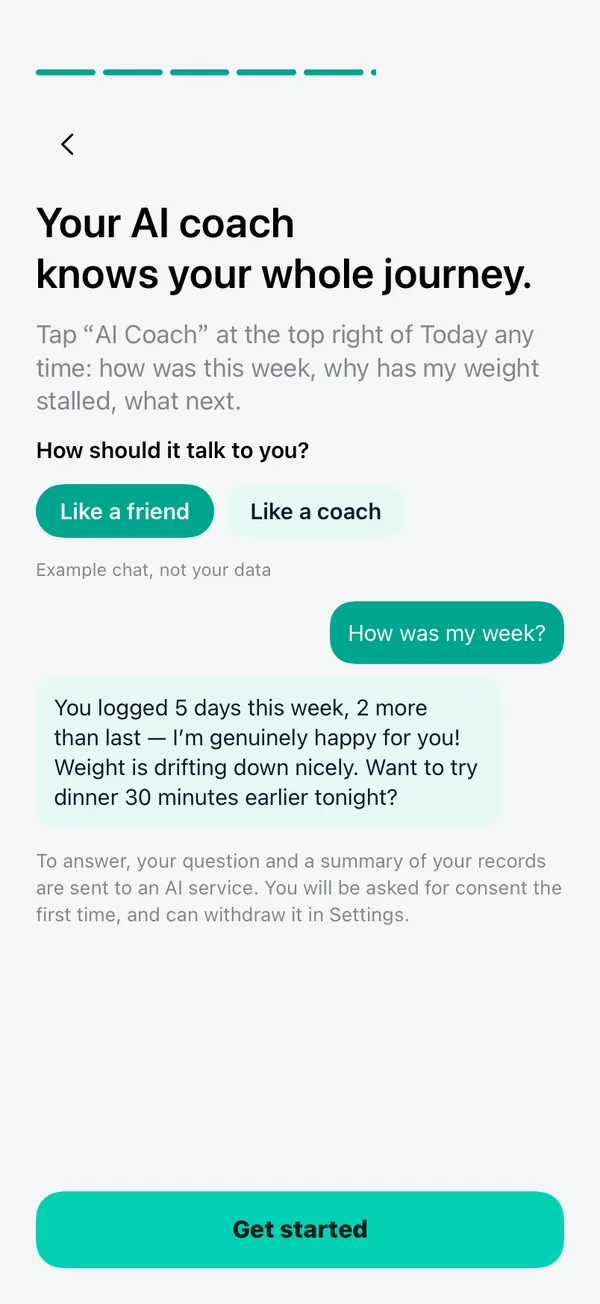
Meet the coach.
Privacy controls
You choose what is shared.
AI is opt-in. You can withdraw consent, turn AI off, and delete the server records for your installation from Settings.